Tools
The ツールTools tab groups tools that help with your workflow.
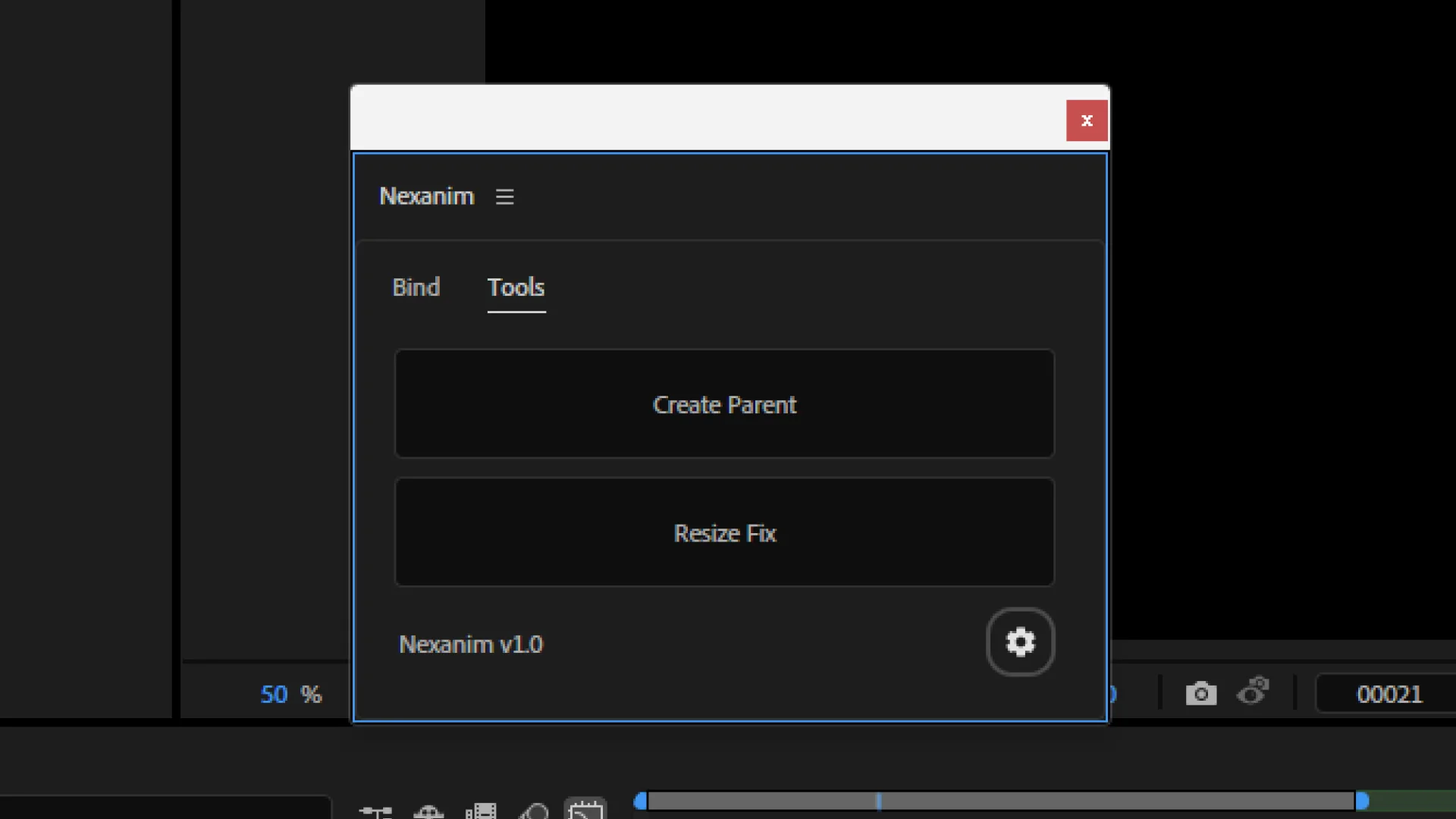
親を作成Create Parent
親を作成Create Parent creates a parent layer for the selected layer and links them.
In After Effects, when you parent layers, values such as 位置Position are interpreted in the parent’s coordinate space. If you parent after setting up Nexanim animation, the appearance can shift.
親を作成Create Parent keeps the child layer’s coordinate space aligned with the composition, so the animation stays intact after parenting.
If you parent layers before setting up Nexanim animation, you will not run into this issue. Use this when you need to parent after the fact.
The label of the newly created parent layer follows 親レイヤーのラベルParent Layer Label set in Settings.
リサイズ補正Resize Fix
When you resize a composition, values in 2D or 3D Value Control V generated by Nexanim, such as スケールScale, can shift unexpectedly. リサイズ補正Resize Fix automatically corrects the corresponding Value Control V based on the selected source property.
Select the original property that has the Nexanim expression, not the Value Control V.