Installation and Usage
Prerequisites
Because Nate Essentials Pack needs to read preferences and create temporary files, turn on スクリプトによるファイルへの書き込みとネットワークへのアクセスを許可Allow Scripts To Write Files And Access Network in After Effects.
Windows
編集Edit > 環境設定Preferences > スクリプトとエクスプレッションScripting & ExpressionsInstall
Copy the downloaded Nate Essentials Pack.jsxbin and nep-tools folder into one of the following Scripts/ScriptUI Panels locations.
Windows
All Users
C:\Program Files\Adobe\Adobe After Effects <AE_VERSION>\Support Files\Scripts\ScriptUI PanelsPer User
%APPDATA%\Adobe\After Effects\<AE_VERSION>\Scripts\ScriptUI PanelsPlace
Nate Essentials Pack.jsxbin and the nep-tools folder at the same level.- Nate Essentials Pack.jsxbin
- <ToolName>.jsxbin
- <ToolName>.svg
Usage A: Use the Main Panel Only
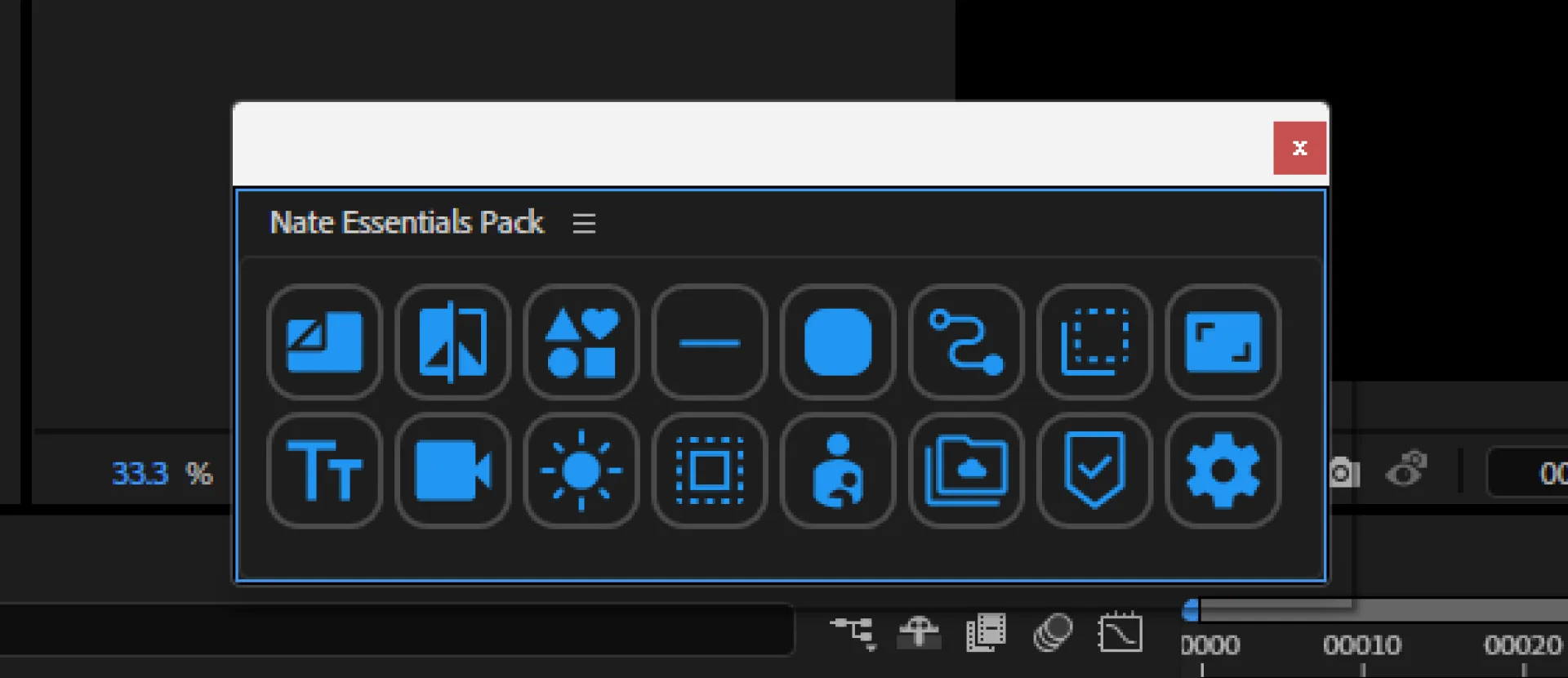
- Launch After Effects
- Click
Nate Essentials Pack.jsxbinat the bottom of theウィンドウWindowmenu
Usage B: Use with a Launcher
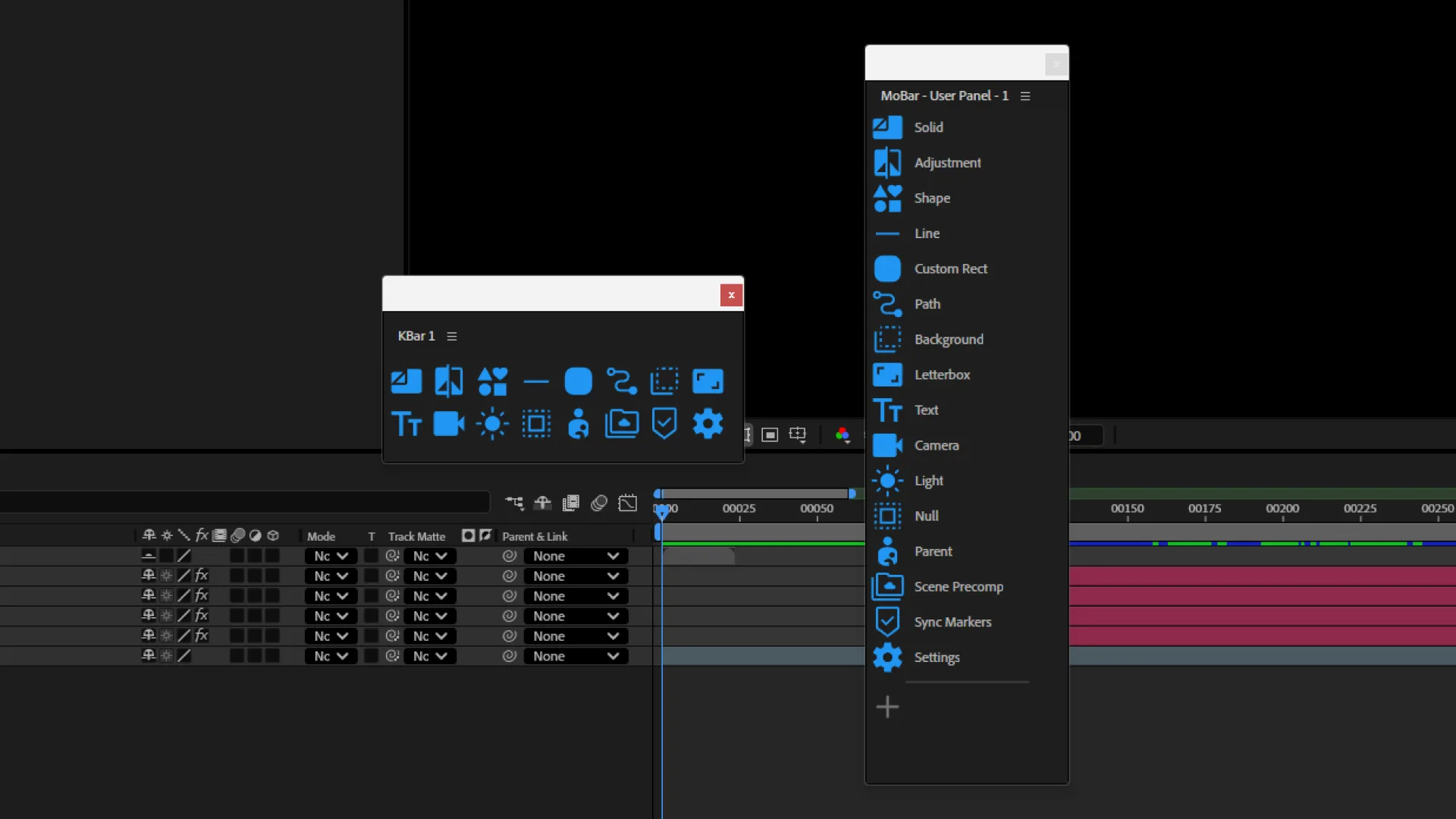
Nate Essentials Pack also includes individual files in nep-tools/*.jsxbin. You can import them into launcher tools like KBar3 or MoBar .
Tips for Installing in KBar3
In KBar3 settings, choose Import from directory and specify the nep-tools folder to register everything at once.
Last updated on